
All new Bambu Lab R1 Laser Cutter - Fair Price for a CO2 Laser. Is CO2 the Right First Laser?
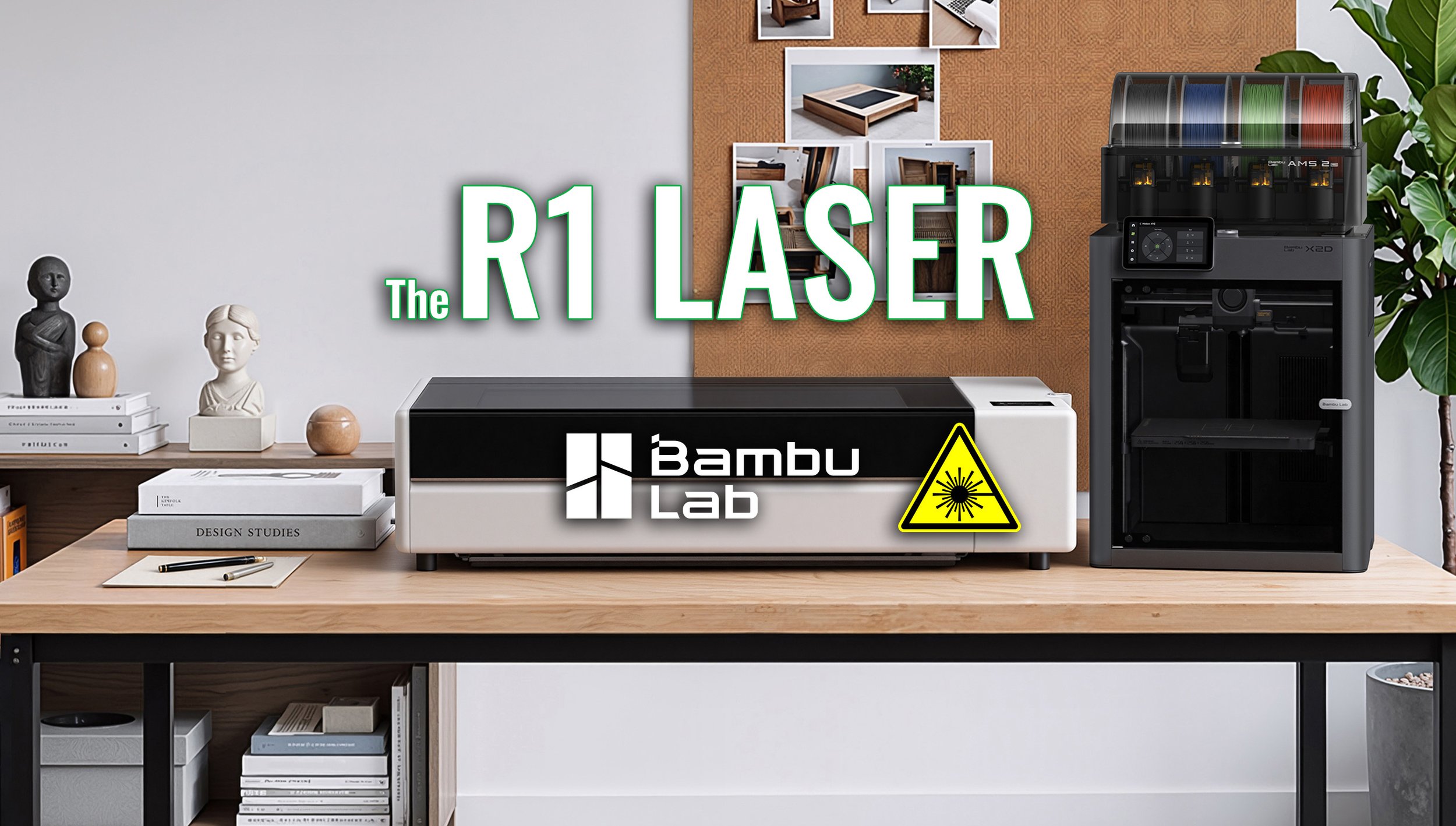
Bambu Lab just launched their R1 CO2 Laser cutter & Engraver - Their first stand-alone laser cutter - and actually their first dedicated non 3D Printer product.
The $2499 Co2 R1 Laser cutter is a leap up from the H2S 3D Printer-Laser combo what makes the R1 Laser cutter worth it over it’s 10W diode siblings? The obvious is 5x the power: Cutting deep and through clear acrylic, larger work area and a cleaner experience. The rest is below.
Bambu Lab R1 Key specs and price
The new Bambu Lab R1 CO2 Laser uses a 55W CO2 laser to cut deeper and through clear materials. CO2 uses a different wavelength of light compared to the typical diode lasers in H2S, H2D and H2C laser & 3D Printer combos. This enables the R1 to actually cut clear acrylic up to 20mm thick. Being a CO2 laser also enables faster, cleaner edges and deeper cutting at it’s 600×300mm work area (expandable to 3m with a conveyor addon).
The base price for the R1 laser is $2499 at launch, and pre-orders starts today, 22nd of September. All the R1 details can be found here.
Additional optional accessories:
Riser base - To lift the machine for cutting objects that don’t fit inside (removing the bottom and getting the long-focus lens)
Medium or Long focus lens - For focusing further away
Rotary attachment - engrave or cut round objects (like your water bottle)
Vision encoder - Optical calibration for extra precision over length
E1 Pro Air purifier - Removing particles and as much fumes as possible
Auto Fire extinguishing system - An extra safety layer to prevent accidents
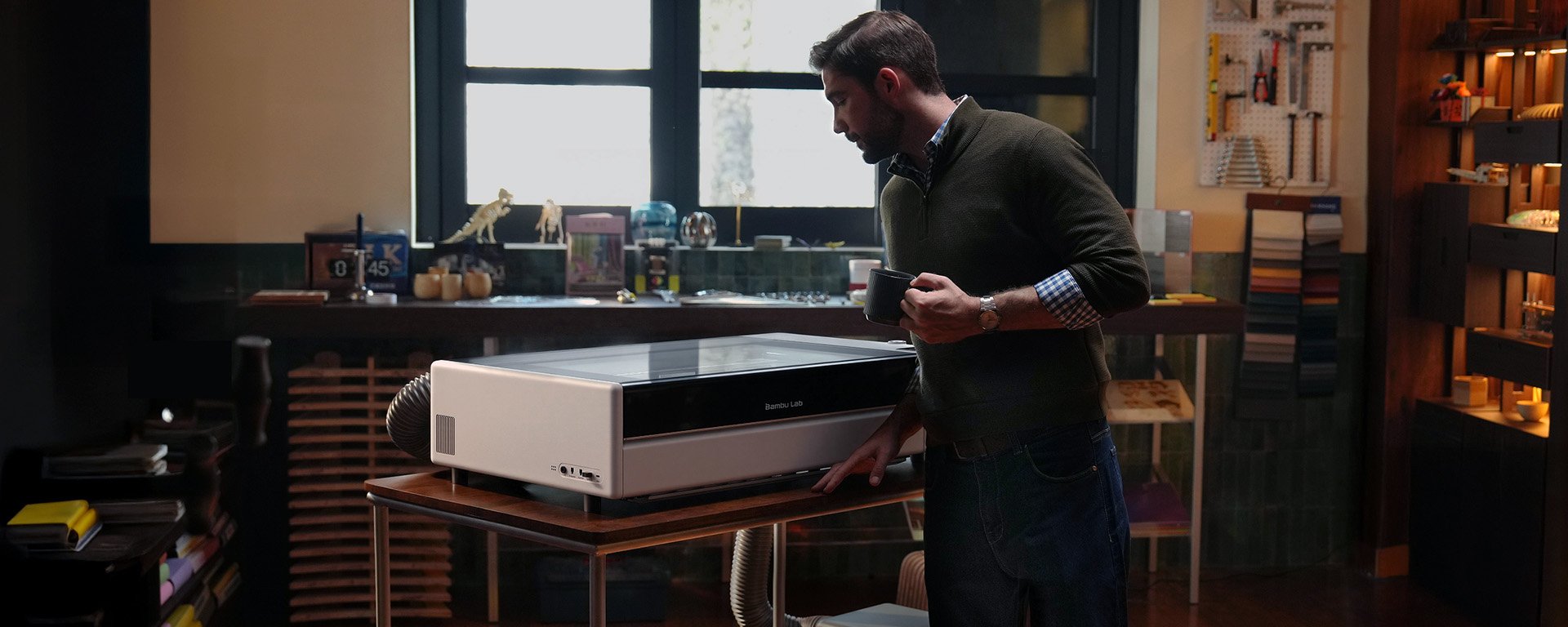
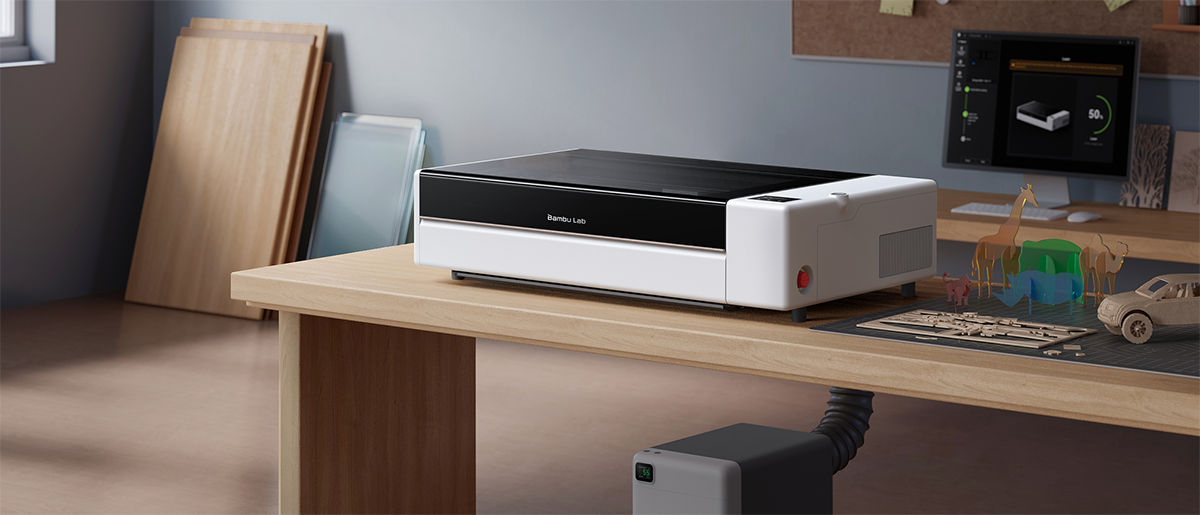
The R1 in a design studio scenario, with fume extractor attached.
Bambu Lab brings true ease-of-use features to the R1
By implementing automatic Laser alignment, Bambu Lab removes one of the main hurdles with CO2 lasers - Aligning the internal mirrors using micro-adjustments, test fires and long repeating trial-and-error procedures.
By attaching the Laser alignment sensor on the toolhead, the machine reads the beam and finds where the mirrors have drifted. Using motorized mirror actuators, the machine adjusts itself - without paper, test shots, turning of screws. All in around one minute.
Motion system is sync
Coming from fantastic hardware engineering in 3D Printers, Bambu Lab have experience in tuning a motion system into perfection. A laser toolhead moves similar to a 3D printer in X/Y and the R1 adopts technology proven to already work for 3D printers.
The R1 uses vibration compensation by modelling the mechanical resonance that causes “ghosting” in 3D printers or jagged edges in laser cutting - and cancels it out, similar to active noise cancelling in your air pods.
Speed-syncing laser power. At fixed power slower movements of the toolhead would cause changes in engraving color (darker or more pale depending on speed). The R1 adjust the lasers power smoothly to be able to operate up to 1000mm/s engraving.
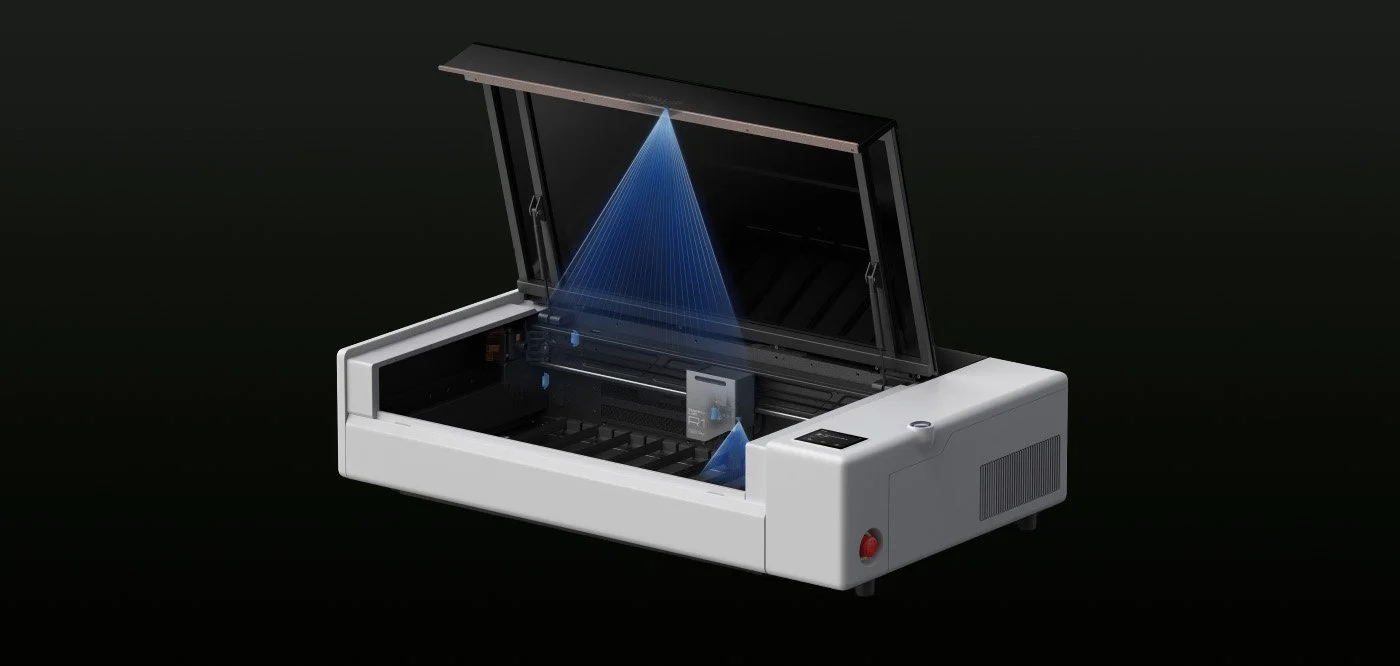
The TriSense System - Foolproofing cutting and engraving
Cutting and engraving can be tricky to align. And adding the ability to engrave on curved objects raises the bar even further for newcomers. The TriSense system is designed to make it as foolproof as possible to start a job.
There are three major things the R1 does before a job. It maps out where the material sits, in the design in relation to it. How high the surface the design is suppose to engrave is located and how the toolhead should move along it.
Using cameras, lasers and encoders:
BirdsEye Camera captures the whole work area and the Toolhead camera locates exact location of your material. The laser pinpoints the spot on the material.
The distance measurement laser reads surface height (scanning it) across the workpiece and adjusts focus automatically.
XY encoders report toolhead position in real time keeping every movement on course and detects skips.
Building on Bambu Lab Ecosystem
The R1 should be very familiar for anyone with a Bambu Lab 3D printer, as it’s workflow still lives in Bambu Suite, Makerworld and the Bambu account.
And because the H-series 3D Printers already introduced diode lasers, there is already a large community of makerworld lasercut-ready projects to get going with if you don’t have a dedicated application.
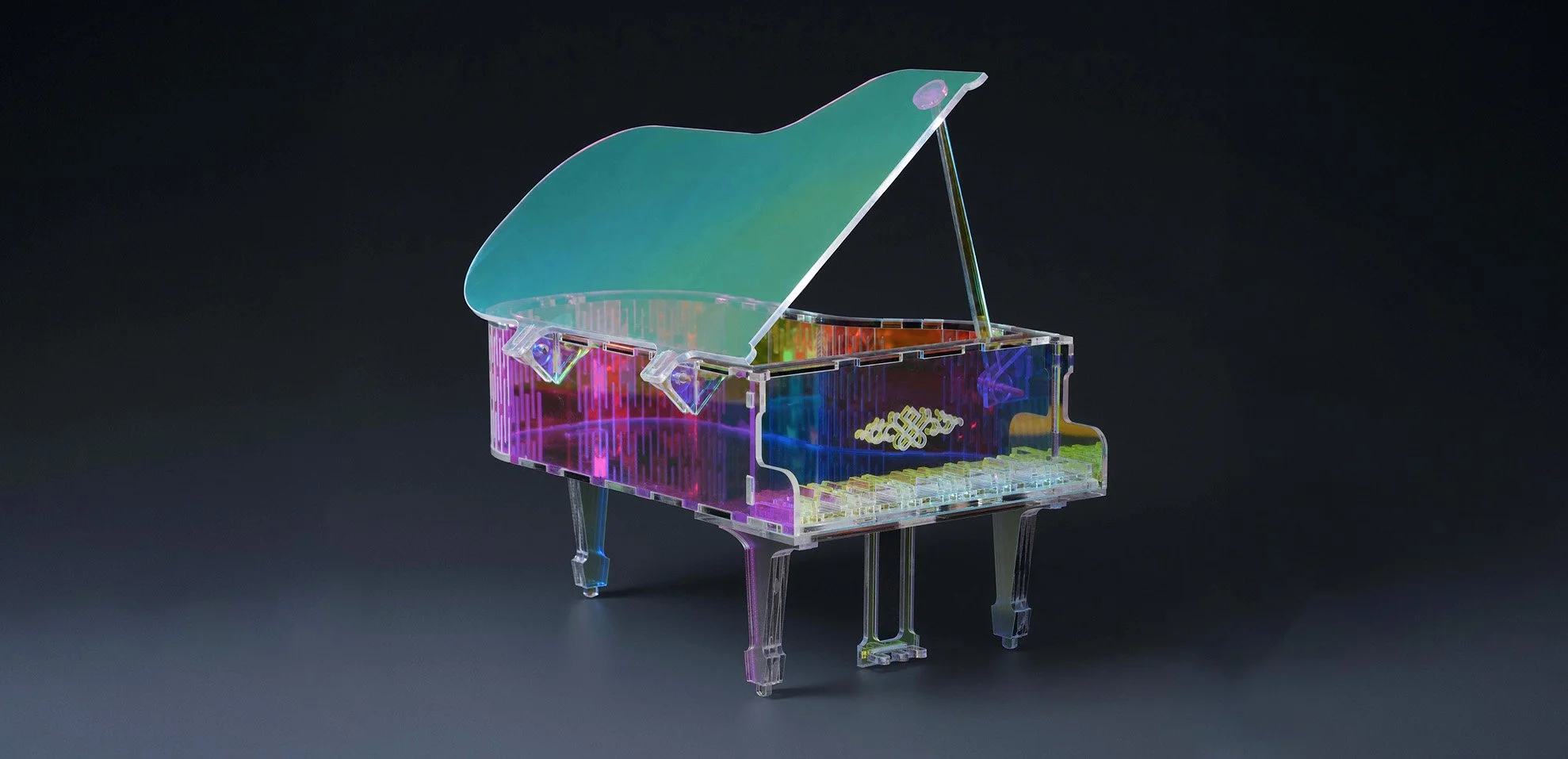
Being able to cut clear acrylic opens up for even more creativity.
The R1 Laser Application - And Bambu Labs Own Gap
The new R1 Laser is a dedicated product for laser cutting and engraving. It naturally moves both up from the H-series Laser & 3D Printer combos, but also to the side as it’s own lineup.
This opens up questions on who the R1 is actually for. Bambu Lab themselves target “Makers who already print” and “small businesses and workshops”. Obviously “Woodworkers and crafters” and “designers and personalization sellers” gets a shoutout as well.
But the reality is that the stronger 55W CO2 adds complexity and cost compared to Bambu Labs own diode lasers in their printers. But more importantly compared to the market competition for dedicated laser cutters and engravers.
The best argument for going with a CO2 Laser 2-5x the price of standalone diode laser is still the clear acrylic cutting and easy engraving of glass and clear acrylic. Deeper and cleaner cuts isn’t something to ignore, but specific for each use case. Honestly, most engraving jobs can be done with a diode laser, and the stronger ones (10-20w) can cut fairly deep at up to and around 10mm of wood with multiple passes.
Where Bambu Lab adds real competition
Is the CO2 space. At $2499 packed with smart features that truly enables a much more pleasant experience, they’re positioned at the lower end for premium engravers. This is awesome, and should compete very well with brands like Creality Falcon, xTool and Glowforge even if they’ve had a head start for years. The ecosystem, ease of use and reliability pared with real performance are key factors.
Where the Bambu Labs gap appears
is when we realize that not everyone needs the CO2 side of the R1. Tinted acrylic can still be cut without CO2. And using special sprays/coats, you can still engrave on clear acrylic and glass. But even if you don’t want to mess around to achieve that, cutting in typical materials like wood, opaque acrylic, paper, cardstock, cardboard, foam, MDF, leather and engraving on even stainless steel, cork, ceramic and so on is possible.
But what users would love is the Bambu Lab ecosystem, software, connectivity and ease-of-use on their products. I could see a !RA1! using a 20W diode at $999 with 400×250 (with conveyor option) could take the market with storm!
The R1 against premium CO2 lasers
So to clarify, the R1 reduces and simplifies owning and operating a CO2 laser cutter, and it does so at a really competitive price! The closest competitor in terms of price is Monport Reno 45W CO2 at roughly $1499 msrp (but roughly 30% discount now). But it’s important to understand it is also brand new, has none of the fancy features and rely on external, paid software like Lightburn.
A more similar product would be the xTool P2S 55W Desktop CO2 sitting at $4,499.00 MSRP, but on sale for $2799, potentially anticipating the release of the R1. I see the R1 could be putting the P2S from xTool in hot water.
Bambu Lab R1 vs the diode market
There are tons of budget diode lasers on the market, and it’s become fairly difficult to figure out which are are too difficult to operate or plain unsafe. Open-frame (really unsafe in regards of laser light) or enclosed, DIY or pre-built ranging from a few watt engraving to 50-60w prosumer solutions. The price range here quickly goes from as low as $199 to a few thousands.
Here, Bambu Lab competes mostly by the features and capabilities of the R1, rather than price. For example the xTool M2 (10/20w diode at 426 mm × 320 mm work area) sist at just $499 (from $599).
What the Press brief doesn’t answer
I still have a few questions about the R1 and it’s about the hidden costs and less attractive side effects of CO2 lasers.
First - What CO2 tube type is used? What’s the expected lifetime (these decay both when in use and not). What are the replacement cost and procedure?
How is it cooled? Air or water?
Will you be able to operate the R1 without a Wifi/Lan connection? Or can it even be remote monitored, even if that’s not recommended?
What is the additional costs of filters, and what is a realistic estimation of smell and fume removal? Can I have the R1 in my house, or should I have in a garage for example?

Miniture model from Bambu Lab using a combination 3D printing and laser cutting in walnut and acrylic.
My initial thoughts on the R1 laser & engraver
For the right users who want to either pay slighly higher for simplicity and ease of use, or those who want to cut clear acrylics, the Bambu Lab R1 enters the market at a really attractive pricepoint, with features very well perfected from 3D printing already. The ability to use vision encoder plate to calibrate for precise cutting, or just high-output engraving of products for your etsy-shop, the R1 really brings some power with its laser.
I’m still on the fence about smell and fumes. Back when I worked with 60-70w CO2 lasers the smell was quite strong when cutting wood since it “stick” to your part, so even with extractor it smells when you’re finished working.
But for what it is promising, the Bambu Lab R1 raises the bar in the CO2 laser market by a lot. Combined with the Makerworld community and Makerpoints incentive, I expect we’ll see a great expanse in models available and projects that rely on both 3D printers and Lasers coming in the future.
