
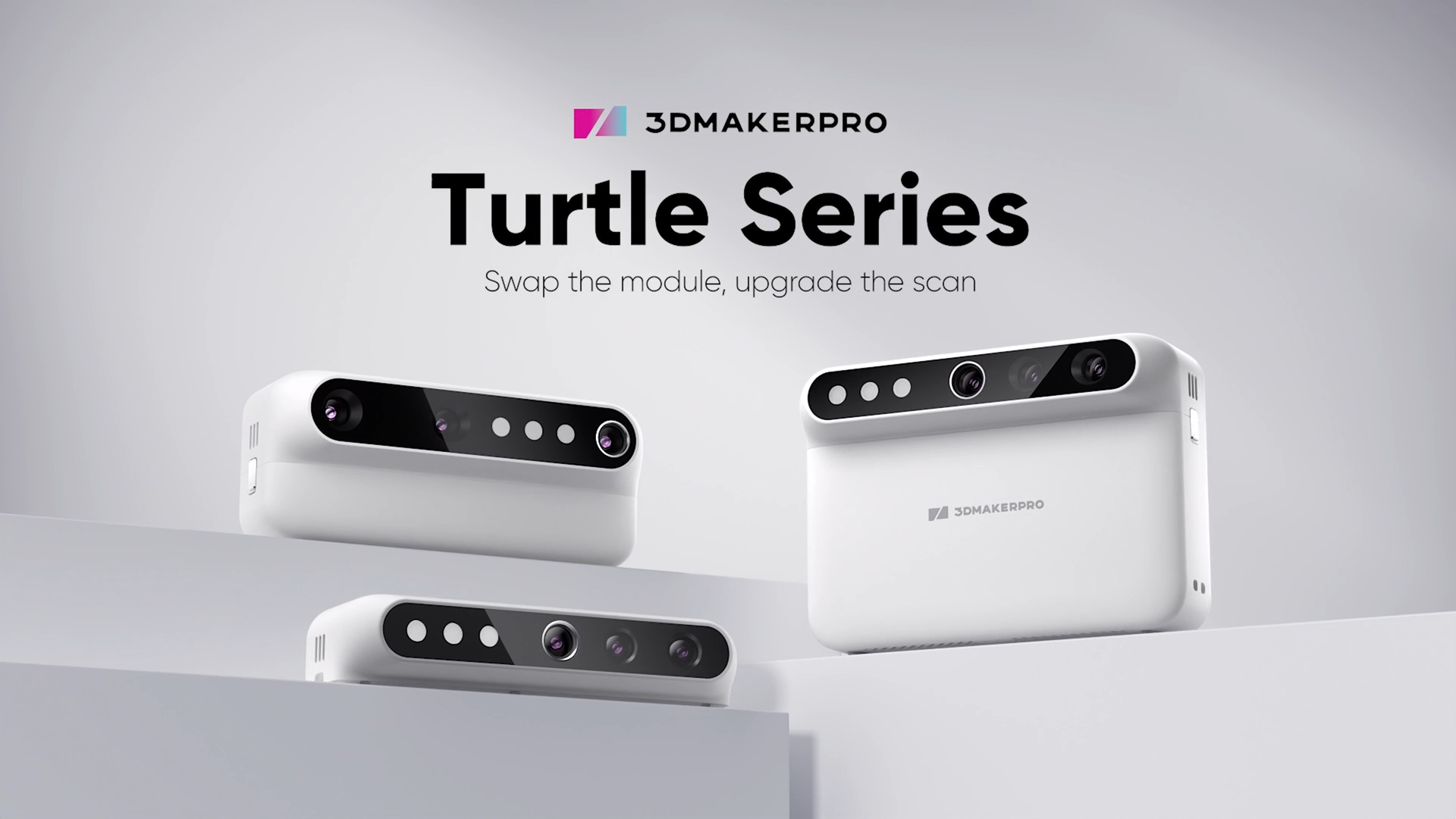
If you’re not sure you need the top-spec 3D scanner that handles both large and small things on the go, the new 3DMakerPro Turtle is probably the most innovative approach in a long time.
Instead of doing “everything in one scanner” with multiple Field-of-views and better plus expensive on-device hardware, the Turtle is a modular system that you adapt to your needs.
The most modular 3D scanner I’ve seen
The new Turtle 3D scanner consists of scanning-modules and a Control-pad. The Idea is that you pair the components you need for a best-possible workflow, without buying a whole system overspecced (or one that under performs).
So for example, if you’re scanning both cars and smaller mechanical components in your garage and you own a powerful Laptop, the Turtle S and L modules might be perfect without the touch-screen standalone-Control Pad unit, saving you a bunch of money. You would just use the Laptop + USB-C to use one of your two scanning modules. If you decide that you want to do work for customers and need better mobility, add the Control pad later and you can do everything standalone without the laptop.
The three scanning modules are also actually fairly segregated to make sense. The S module targets jewelry and smaller pieces at around 10-300mm with a resolution on 0.05mm and accuracy of 0.01, pretty good! The L module then cover around 100-2000mm objects (stretchable to a car) and instead offers a best-case 0.1mm resolution and 0.05mm accuracy, although at large scale, those numbers most likely grow.
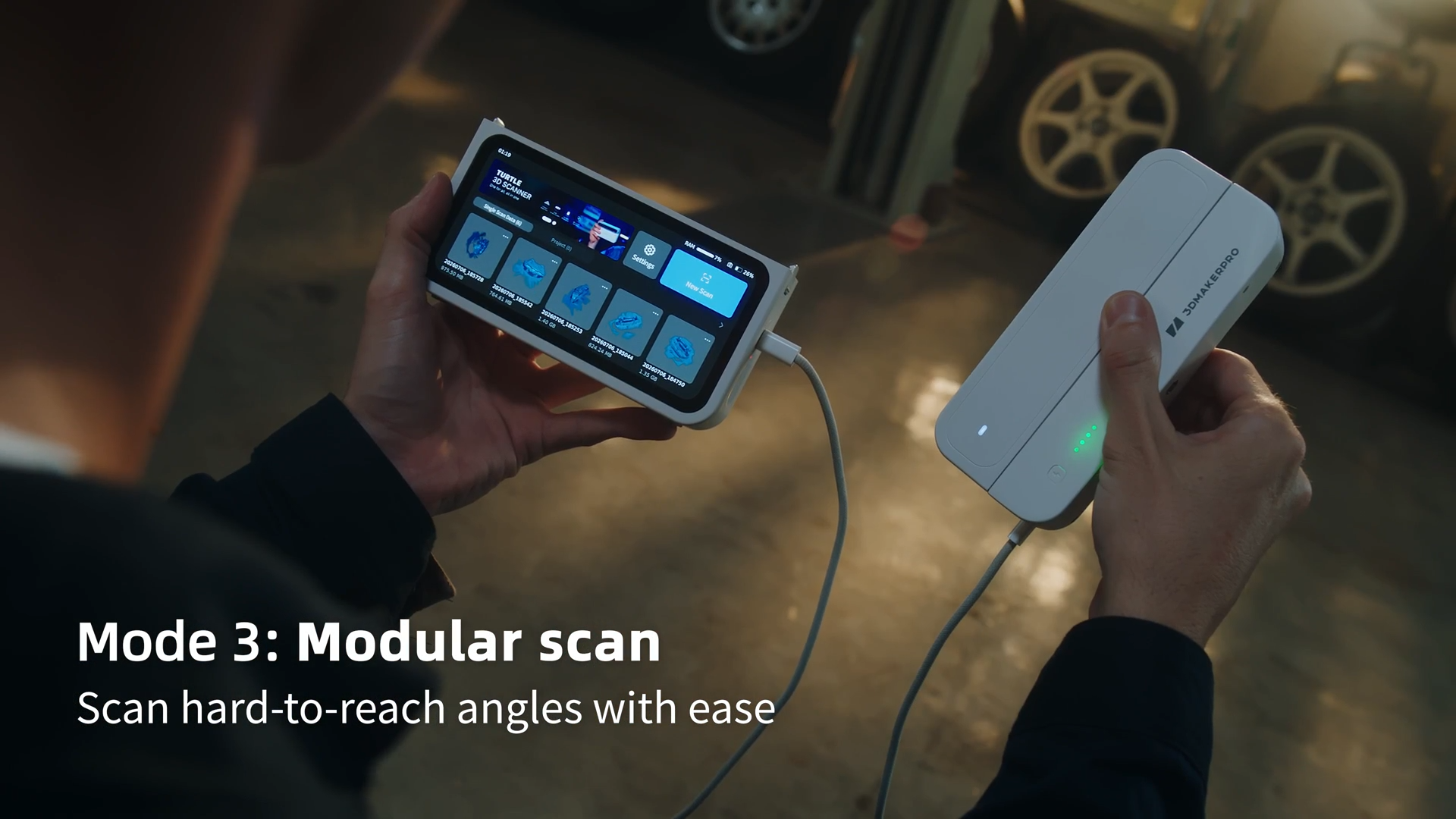
The Control Pad is optional and apart from clipping onto the scanning module - can also be used with a USB cable between scanner module and Control pad as seen above.
The Control Pad is actually optional
The great thing here is that the expensive on-board hardware on the Control Pad (touch screen, RAM, GPU/CPU, storage) is an option for those that need it. Using a laptop gives you more performance and faster scanning (at up to 30fps from 10fps standalone). The processing gets faster and you might be able to handle larger projects on your PC, if you have one. Today, the PC-market is incredibly expensive and not everyone have a high-end laptop laying around.
This optional Control Pad approach is actually really smart, and a great way to let users grow into 3D scanning instead of investing in the most expensive configuration from start, to cover all potential use cases.
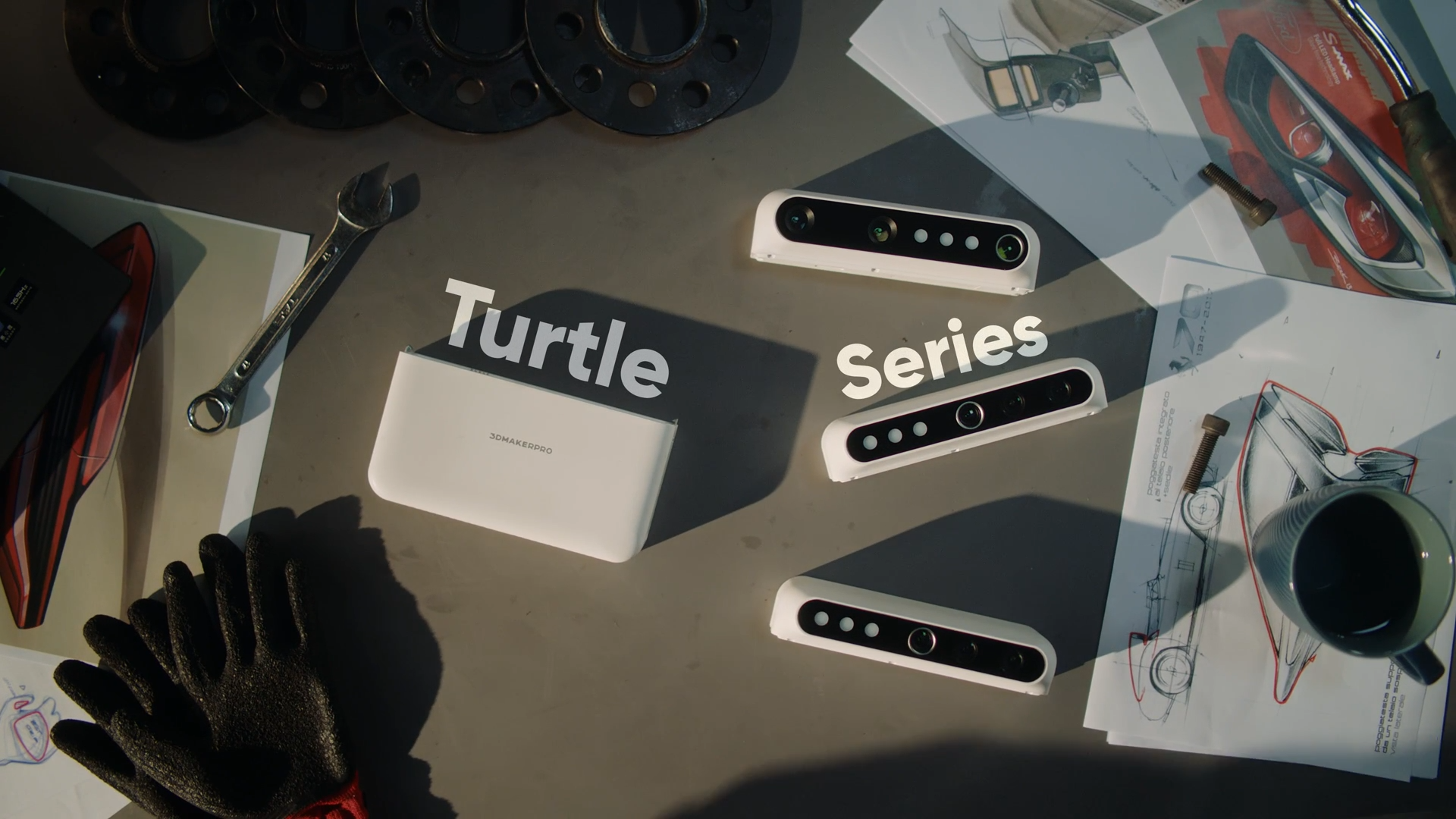
The 3DMakerPro Turtle Scanning Modules
As mentioned the 3 modules of the 3DMakerPro Turtle can be used individually with a USB-C cable to a supported PC, so no need to buy the Control Pad. Each module uses the same technology (Blue LED-light) and offers color-3d-scanning. The difference is the optics and what their focus area is. 3D scanners use at least two cameras to create a stereoscopic picture of the light-pattern on your object. Traditionally, a scanner only had one set of cameras and those were focused to a specific depth. Working outside of that depth would just degrade the result, or not work at all. Like if you focused both your eyes on your nose, it would be difficult to throw darts…
With a different work-area for each module, 3DMakerPro lets you more easily get “more scanning” for less hardware. Specially if you need the stand-alone solution. Today, the alternatives have multiple camera groups (often 2, like the Toucan from 3DMakerPro) but that setup has it’s compromises and often costs more to build into one system, specially if you don’t need all the options.
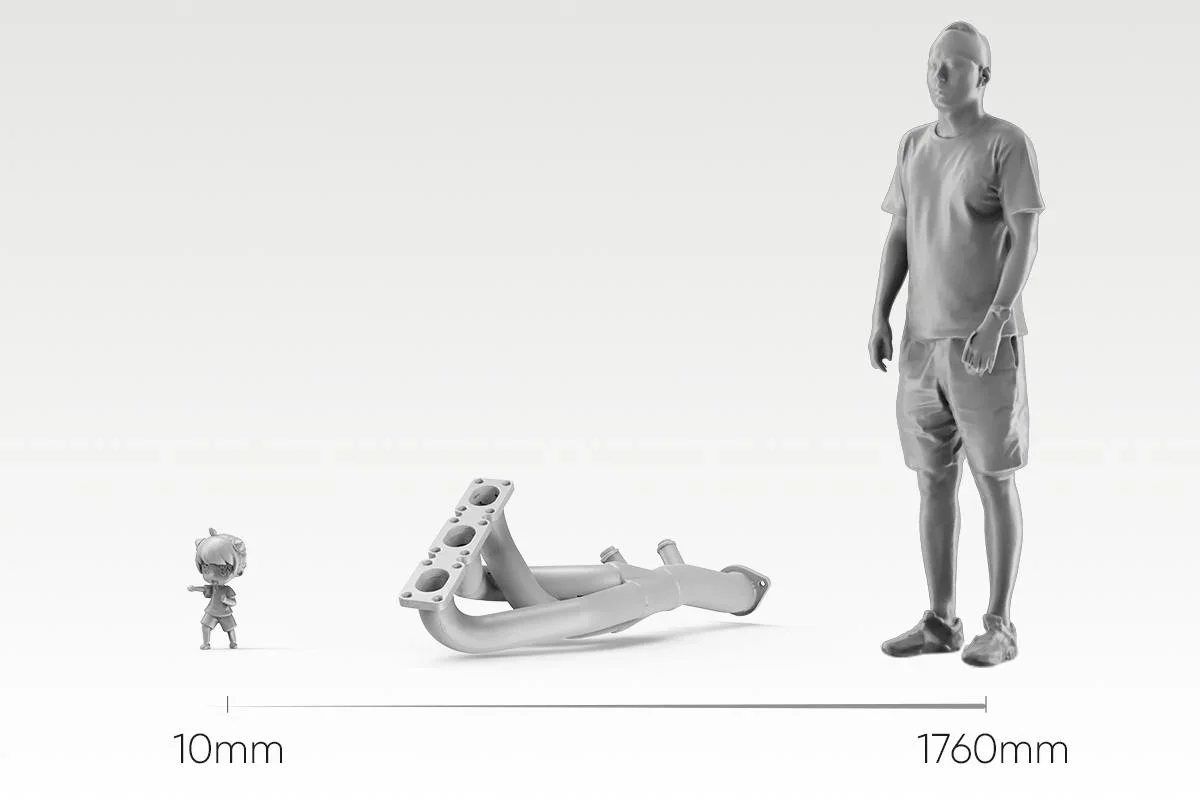
3DMakerPro Turtle 3D Scanner Specifications (All scanning modules)
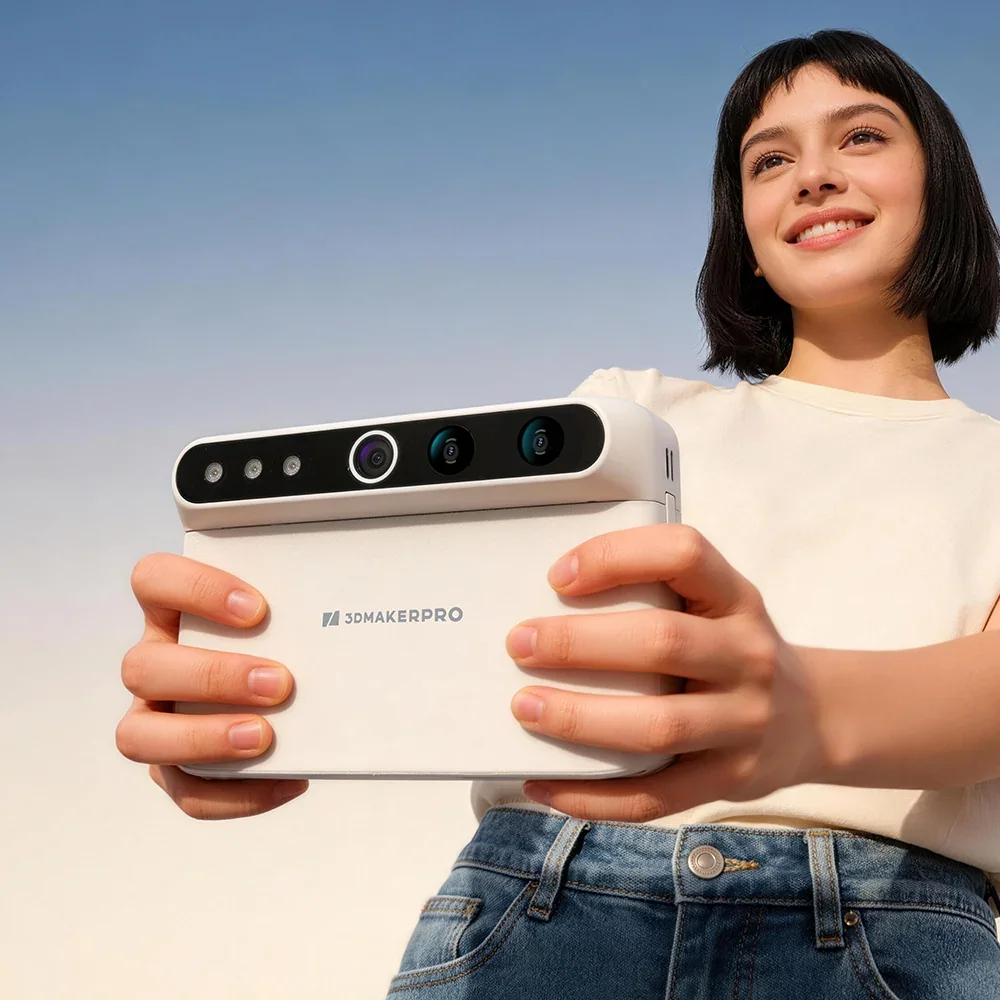
The modules are identical in size and shape, but have different camera setups. Apart from using the same blue light source, they also share USB-C connection, perform 24-bit color texture scanning and when used, will output STL, PLY, ASC and OBJ.
Worth noting is that the software and hardware works on both Windows 11 and MacOS 12/13 (M1/M2) and above.
| Specification | S module Detail | M module Workhorse | L module Large objects |
|---|---|---|---|
| Accuracy | 0.01 mm | 0.03 mm | 0.05 mm |
| Resolution | 0.05 mm | 0.07 mm | 0.10 mm |
| Single capture range | 160 × 120 mm | 240 × 180 mm | 600 × 450 mm |
| Working distance | 180–280 mm | 200–400 mm | 500–950 mm |
| Typical object sizes | 10–300 mm | 15–1500 mm | 100–2000 mm |
Turtle Control Pad Specifications
The Control Pad itself is slightly larger to host the 6.4” 2K AMOLED touch screen, battery and computer, enabling that standalone scanning and processing.
| Specification | Control Pad All-in-one base unit |
|---|---|
| Screen | 6.4-inch 2K AMOLED |
| Processor | 2 GHz, 8 cores |
| Memory | 16 GB RAM |
| Storage | 256 GB SSD |
| Wireless | Wi-Fi 5 |
| Battery | 10,000 mAh, approx. 2 hours |
The Price Of Modularity
The 3DMakerPro Turtle price is now discounted at $594 per module (MSRP $699) and the Control Pad at $1,104 (MSRP $1299). That is a great price for the individual modules as standalone when comparing to similar product from 3DMakerPro and the competition.
If you already know you need the Control Pad, the “Starter kit” is configurable with any module, not just the M as it’s listed. This means you can get the any scanning module + Control pad for $1614, down from $1899 which is still pretty great!
Who the Turtle 3D Scanner Suits Best
If you’re getting into 3D scanning for fun, a client or a project, starting with the Turtle and the most suitable configuration is a great cost-efficient way of getting the job done. Then, when the needs grow, you’re able to expand the same equipment and a competitive price, without learning new software, products or skills.
I really like the way that if you don’t have a laptop to bring with your scanner to a location, the Control Pad + single scanning module combo is actually pretty well priced compared to other stand-alone scanners out there!
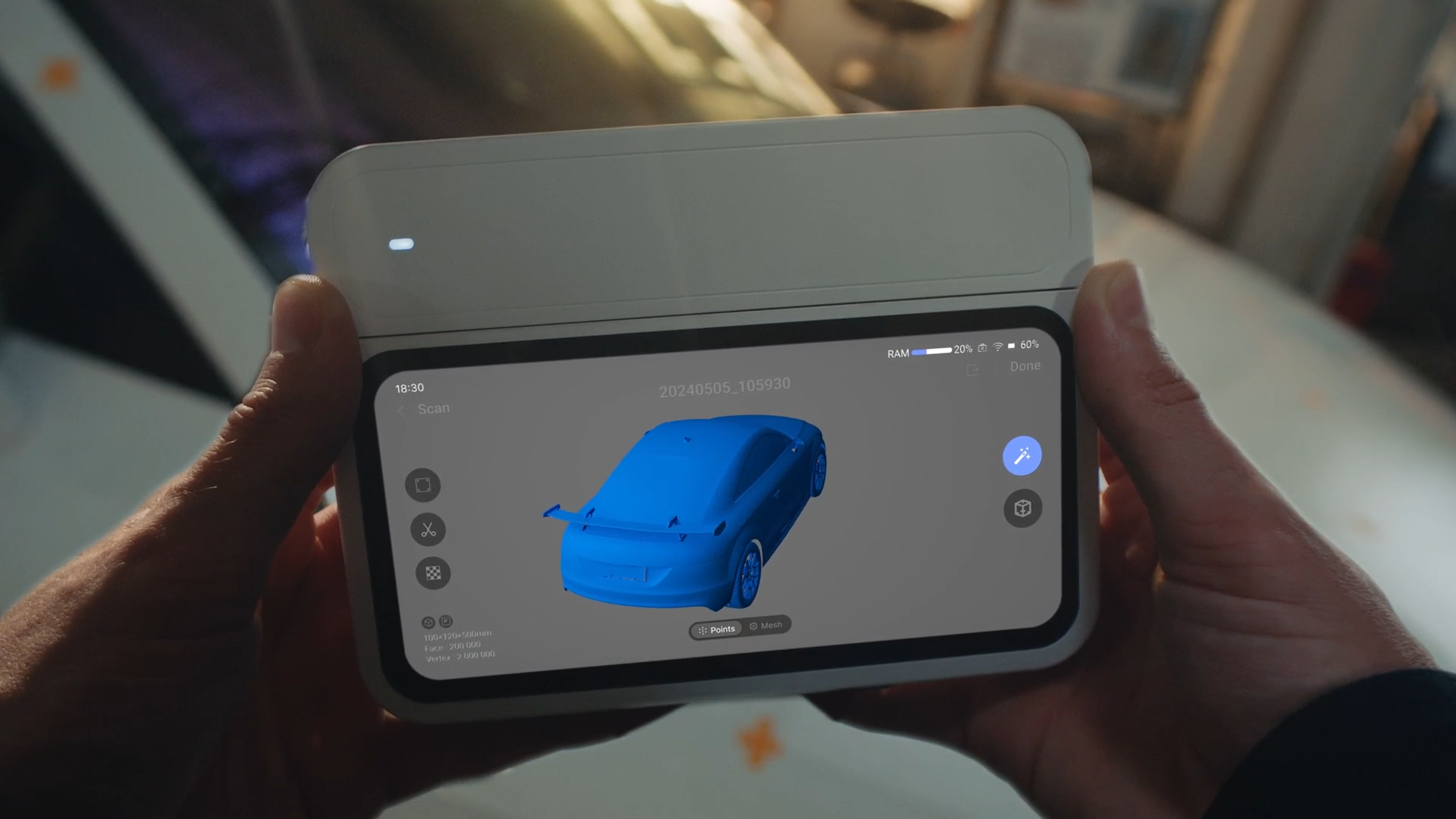
Where the Turtle 3D scanner isn’t a perfect match.
With the blue LED light, you’re not getting the sharp laser lines that can be preferred for shiny, dark and crisp mechanical parts. With that said, from what I see the sharpness looks better than previous 3DMakerPro scanners, but might not be on par with a pure laser-scanner.
The color processing might also be a bit more demanding what the onboard hardware delivers, and the use of the color can be highly dependant on what exact processing is done. How the texture is mapped and produced can result in “softer” textures than you might expect. So if you’re doing critical color-scanning work, this might not deliver the resolution and sharpness you require.
Turtle vs Fox vs Toucan.
If we compare the Turtle to the newest options from 3DMakerPro for the same type of use cases, the budget Fox 3D scanner offers a handy “medium” format that resonates with the M module at a low price of around $249. However, the resolution and accuracy doesn’t get you there. And The sensor is less sharp as well, which isn’t something you’ll see in the specs. But at around half the price, it can be a option!
The 3DMakerPro Toucan is the closest comparable option as a stand-alone scanner. It uses dual-mode to get you both Small and Large field-of-view in different projects. It also uses markers to track when you want. However, the laser is less comfortable to scan persons with and no matter what you need, you end up buying a fixed set of hardware, although a good one.
The Toucan costs around $1999, so it’s already a bit more than the initial $1359 launch-price of the Turtle.
| Fox | Toucan | Turtle | |||
|---|---|---|---|---|---|
| Specification | Fox Entry, medium format | Toucan Standalone, dual mode | S module Detail | M module Workhorse | L module Large objects |
| Accuracy | 0.07 mm | 0.03 mm near0.10 mm far | 0.01 mm | 0.03 mm | 0.05 mm |
| Resolution | 0.10 mm | 0.05 mm near0.10 mm far | 0.05 mm | 0.07 mm | 0.10 mm |
| Single capture range | 200 × 100 mm | 135 × 185 mm near1000 × 750 mm far | 160 × 120 mm | 240 × 180 mm | 600 × 450 mm |
| Working distance | 150–400 mm | 200–1000 mm | 180–280 mm | 200–400 mm | 500–950 mm |
| Typical object sizes | 40–1200 mm | 10–4000 mm | 10–300 mm | 15–1500 mm | 100–2000 mm |
| Runs without a PC | No PC for capture only | Yes all-in-one device | Yes, with the Control Pad modules also run from a PC | ||
Should you pick one up?
I would have to review the unit more hands-on before I can comfortably say it’s as good as claimed, but technically this modular approach looks very promising as a way of efficiently overlap between scanning needs.
After using other standalone scanners, the comfort of having everything ready when you pull the scanner out of the bag, it enables much more spontaneous scanning of cool references, or quicker setups at customers.
If you are unsure what exact 3D scanner you need, you can always reach out and explain your needs and I’ll help you pair up with a suitable scanner, no matter the brand.
See what I say about the other 3DMakerPro 3D Scanners:
